
YOUR ROOM, YOUR COMBINATION
Picture your kitchen.
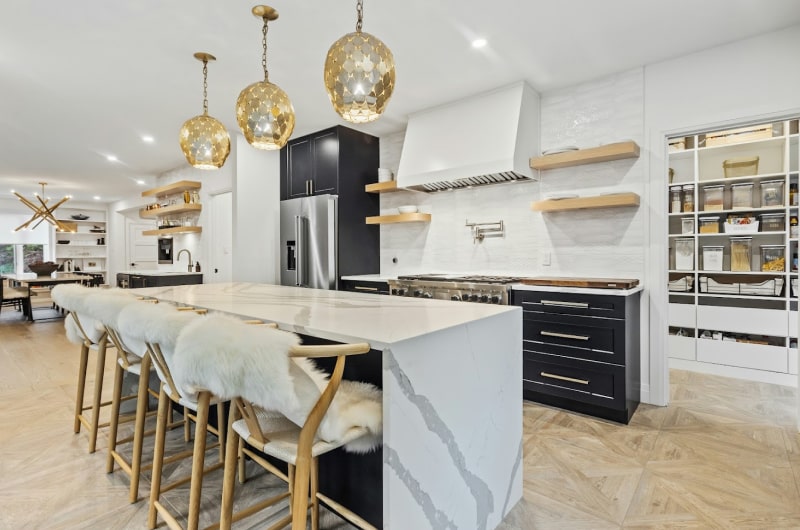
Compare countertops, backsplash tile, cabinet colors, and floors. Switch scenes to see the combination from another angle.
EXPLORE THE POSSIBILITIES
One room. Many ways to make it yours.
Two kitchen scenes. Stone, tile, cabinetry, and flooring choices.
Loads an interactive planner with its own privacy controls.
Loading your kitchen planner…
Need more room, or having trouble saving? Open the planner in a separate tab to use its full-screen and export controls.
Open full plannerKEEP YOUR IDEAS
Bring your choices
to the conversation.
Make your selections.
Choose a kitchen scene, then try countertops, backsplash, cabinets, and floors. Use the material filters to narrow your options.
Save the combination.
Use the download, email, or print icons beneath the room images. Expand a scene to take a closer look before saving. For a sheet with the product names, choose Print and save it as a PDF.
Plan the next step.
Keep the product names with your saved image. Bring them to Royal so we can discuss availability, suitable applications, and your project.
Talk through your choicesProduct availability and suitability should be confirmed with our team. Browse Royal’s stone collection to find more options for your project.